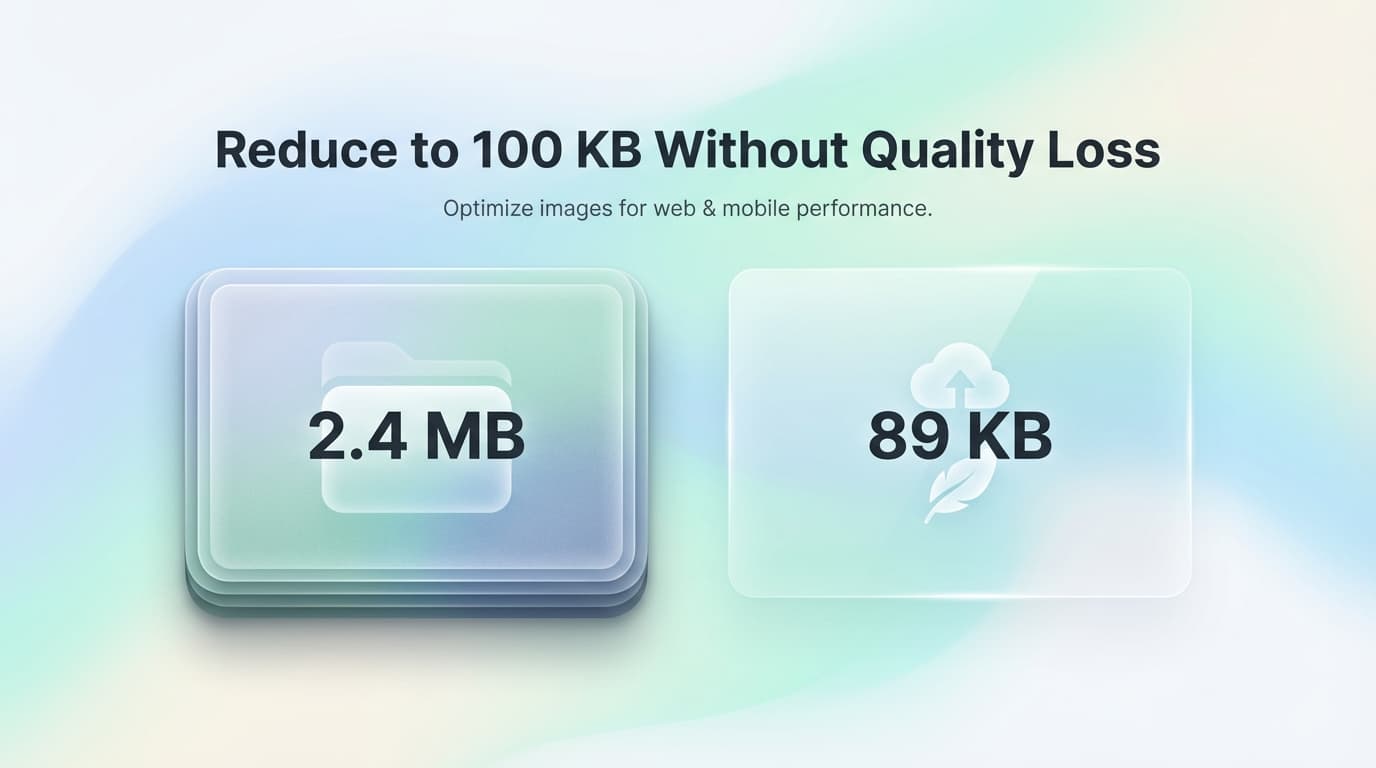
Compress Images to 100KB

Reduce JPG, PNG, WebP size by up to 80% without quality loss. Files processed instantly in browser. No server uploads.

lock

No Server Uploads

Images are processed entirely in your browser using WebAssembly. Files never touch external servers — your data stays on your device.

bolt

Instant Processing

WebAssembly-powered compression runs at near-native speed. Most images compress in under 2 seconds, even on mobile devices.

hd

Perceptual Compression

Smart algorithms prioritize visible detail. Reduce file size by 50-80% while maintaining quality indistinguishable from the original.

layers

Batch + ZIP Download

Upload hundreds of images at once. Download individually or as a single ZIP archive for bulk website optimization.

Compress Images for Websites, Email, and Applications

1

Select your images

Drag and drop your JPG, PNG, or WebP files into the box above, or click to browse your folders.

2

Wait for compression

Our tool automatically analyzes and compresses your images to the optimal size.

3

Download & Save

Download each image individually or save them all at once as a ZIP archive.

4

Enjoy faster loading

Use your optimized images on your website to improve SEO and loading speeds.

Why is image compression important?

Large image files are one of the main reasons for slow websites. Compressing your images reduces the amount of data your visitors need to download, leading to faster page load times, better user experience, and improved search engine rankings. Our Ultra-Fast Image Compressor ensures you get the smallest possible file size without noticeable quality loss.

Supported Formats

  • check_circleJPEG / JPG
  • check_circlePNG (Transparent)
  • check_circleWebP (Modern Format)
  • check_circleGIF (Coming Soon)

Frequently Asked Questions

How do I compress an image to under 100KB?expand_more

Upload your image and use the quality slider to adjust compression level. Most images reach under 100KB at 60-70% quality with no visible difference.

What formats does the compressor support?expand_more

JPEG/JPG, PNG (including transparency), and WebP. These cover 99% of web images. GIF support is coming soon.

Is this tool safe for confidential images?expand_more

Yes. All compression runs locally in your browser using WebAssembly. No images are ever uploaded to external servers. Your files stay on your device.

Can I compress images for job applications or LinkedIn?expand_more

Absolutely. Most application portals require images under 1MB or 2MB. This tool easily gets photos below those limits while maintaining professional quality.

How does browser-based compression work?expand_more

We use WebAssembly to run native-speed compression algorithms directly in your browser. No server round-trips means faster processing and complete privacy.

Will my images be watermarked?expand_more

Never. Your compressed images are exactly as you uploaded them, just smaller. No watermarks, no modifications, no catch.

Understanding Image Compression: Lossy vs. Lossless

Image compression reduces file size by removing redundant or less important visual data. There are two fundamental approaches: lossy and lossless compression. Lossy compression, used by JPEG and WebP, permanently discards visual information that the human eye is unlikely to notice — such as subtle color gradations in busy areas of a photograph. This typically achieves 60–80% file size reduction. Lossless compression, used by PNG and lossless WebP, reorganizes data more efficiently without discarding anything, achieving 10–30% reduction while preserving every pixel exactly.

For web performance, image file size directly impacts Core Web Vitals — Google's ranking signals. The Largest Contentful Paint (LCP) metric measures how quickly your largest above-the-fold image loads. Uncompressed hero images are the single most common cause of poor LCP scores. HTTP Archive data shows the median web page transfers over 1 MB of images alone. Compressing those images by 50–70% can cut page load times by 1–3 seconds, improving both search rankings and conversion rates.

Modern compression algorithms like MozJPEG (used by this tool) and libwebp achieve significantly better compression ratios than older encoders. MozJPEG produces JPEG files 5–15% smaller than the standard libjpeg encoder at identical visual quality. Our browser-based compressor leverages WebAssembly to run these advanced algorithms at near-native speed directly on your device, meaning your photos are never uploaded to any server.

When choosing compression settings, the "quality" slider represents a trade-off. At quality 80 (our default), most photographs show no visible difference from the original while achieving 60–70% size reduction. Below quality 50, compression artifacts become noticeable — blocky patterns in gradients and loss of fine detail. For screenshots and graphics with text, consider converting to PNG first, as JPEG compression can blur sharp edges.

How to Compress Images Without Losing Quality

1

Drop your images

Drag JPG, PNG, or WebP files into the compressor. You can add up to 50 images at once for batch processing. There is no individual file size limit.

2

Compression runs automatically

Each image is compressed using MozJPEG or libwebp in a Web Worker thread. Processing happens entirely on your device — files are never sent to any server. You'll see the original and compressed sizes update in real time.

3

Review the savings

Check the percentage reduction and file size for each image. If a particular image needs more or less compression, adjust the quality slider and re-process it.

4

Download your optimized files

Download images individually or use the "Download All as ZIP" button. Compressed images retain their original filenames with optimized data.

Key Features

MozJPEG Engine

Uses Mozilla's advanced JPEG encoder that produces 5–15% smaller files than standard encoders at identical visual quality.

Batch Processing

Compress up to 50 images simultaneously. Each file is processed in parallel using Web Workers for maximum throughput.

Zero Server Contact

Your images are compressed entirely in your browser using WebAssembly. No file ever touches our servers — verifiable by disconnecting your internet.

Smart Quality Defaults

Our default quality of 80% is calibrated to produce imperceptible quality differences while achieving 60–70% file size reduction for most photographs.

Frequently Asked Questions

What is the difference between JPEG quality 80 and 100?

At quality 100, JPEG applies minimal compression, resulting in large files with maximum fidelity. At quality 80, the encoder removes visual data that humans cannot easily perceive — typically achieving 60–70% smaller files with no visible difference in normal viewing. The human eye is poor at detecting subtle changes in color gradients and high-frequency detail, which is exactly what the encoder targets.

Why does my PNG file get larger after compression?

PNG uses lossless compression, so the reduction is limited (typically 10–30%). If your PNG was already optimized by another tool, our compressor may produce a similar or slightly larger file. For photographs stored as PNG, converting to JPEG or WebP will yield dramatically smaller files (70–90% reduction).

Can I compress images below 100KB for email attachments?

Yes. Use the quality slider to reduce the quality setting. For a typical 2MB photograph, quality 60–70 will usually produce a file under 200KB, and quality 40–50 will get most images under 100KB. For precise size targets, use our "Compress Image to 100KB" tool which automatically adjusts quality to hit your target.

Does compression remove EXIF metadata like GPS location?

Our compressor strips EXIF metadata by default, which removes GPS coordinates, camera model, date taken, and other embedded data. This is a privacy benefit — ensuring you don't accidentally share your location when posting photos online.

What is WebAssembly and why does it matter for compression?

WebAssembly (Wasm) is a binary instruction format that runs in web browsers at near-native speed. We compile the MozJPEG and libwebp C libraries into WebAssembly, which means our browser-based compressor performs identically to desktop software. This is the same technology used by Figma, Google Earth, and AutoCAD web versions.

Image Compression Best Practices

  • For web images, target file sizes under 200KB for hero images and under 50KB for thumbnails
  • Use WebP format instead of JPEG for an additional 25–35% size reduction at identical quality
  • Resize images to their display dimensions before compressing — a 4000×3000 photo displayed at 800×600 wastes bandwidth
  • For e-commerce product photos, quality 85 preserves fine detail while still achieving significant compression
  • Always test compressed images at their actual display size, not zoomed in — compression artifacts visible at 400% zoom are invisible at normal size