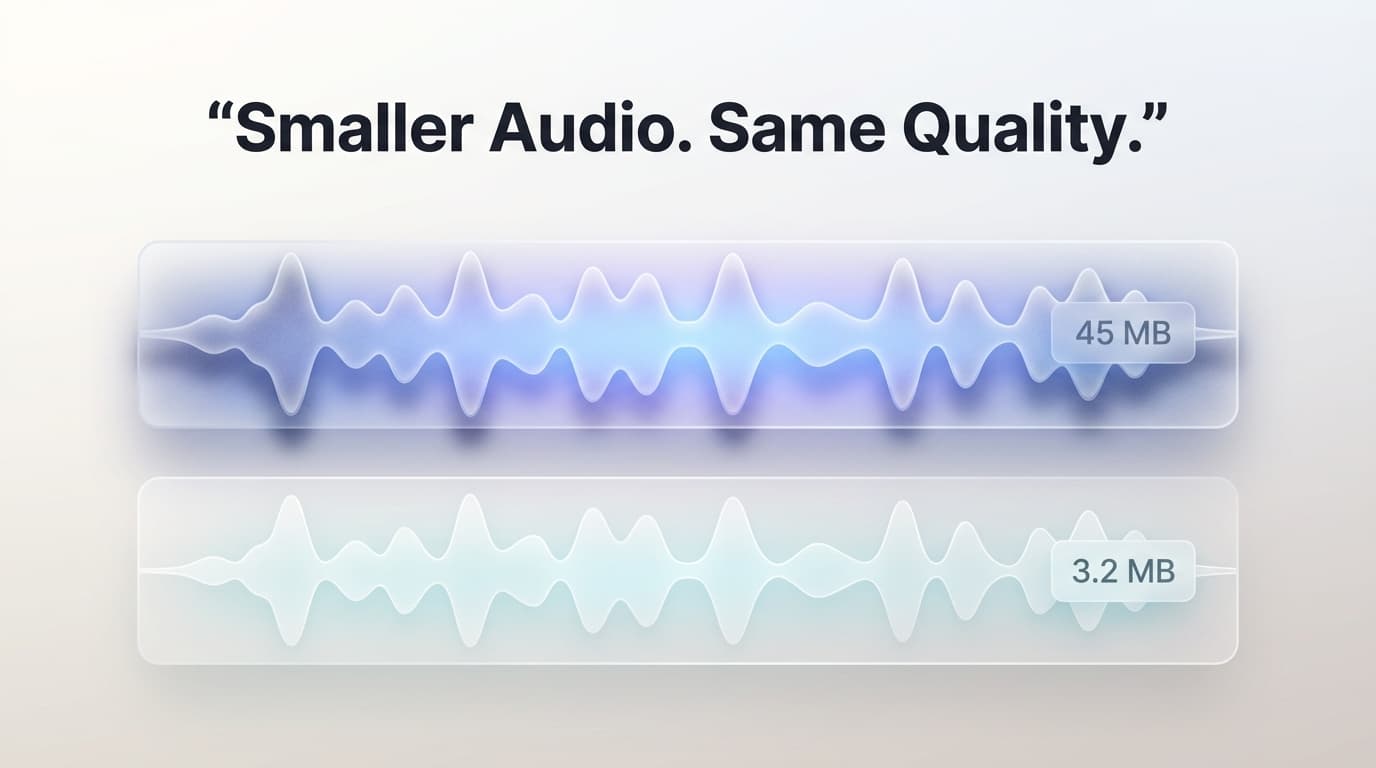
Audio File Sizes: Bitrate, Sample Rate, and Perceptual Coding
Audio file size is determined by three factors: bitrate (bits per second), sample rate (samples per second), and number of channels (mono vs. stereo). Uncompressed CD-quality audio (44.1 kHz, 16-bit, stereo) produces 1,411 kbps of raw data — approximately 10 MB per minute. Audio compression codecs reduce this dramatically by exploiting psychoacoustic masking: the phenomenon where louder sounds make nearby quieter sounds inaudible to human ears.
MP3 at 128 kbps compresses audio by discarding frequencies that the psychoacoustic model determines are inaudible. This reduces file size by approximately 90% compared to uncompressed WAV. At 192 kbps, MP3 is generally considered transparent — meaning trained listeners cannot reliably distinguish it from the uncompressed source in controlled blind tests. The AAC codec (used by Apple Music and YouTube) achieves equivalent quality to MP3 at approximately 20% lower bitrates.
For speech content like podcasts and voice memos, 64–96 kbps mono is sufficient because the human voice occupies a relatively narrow frequency range (85 Hz–8 kHz for most speech). Music requires higher bitrates because it uses the full audible spectrum (20 Hz–20 kHz) with complex harmonic overtones. Our compressor intelligently adjusts its encoding parameters based on the characteristics of your audio.
Variable Bitrate (VBR) encoding allocates more bits to complex passages (orchestral crescendos, cymbal crashes) and fewer bits to simple passages (silence, sustained tones). This produces smaller files than Constant Bitrate (CBR) at equivalent quality. Our tool uses VBR encoding by default for optimal results.
How to Reduce Audio File Size While Preserving Quality
1
Upload your audio file
Drop any audio file in MP3, WAV, OGG, M4A, FLAC, or other formats. The tool displays the current file size, duration, bitrate, and format.
2
Select target quality
Choose from quality presets: "High" (192 kbps, near-transparent), "Medium" (128 kbps, good for general listening), "Low" (64 kbps, optimized for speech). Or set a custom bitrate.
3
Compress and compare
The audio is re-encoded in your browser using FFmpeg WebAssembly. Compare the original and compressed file sizes. For FLAC or WAV input, you'll see dramatic reductions (80–95%).
4
Download the result
Save the compressed audio file. The output format is MP3 for maximum compatibility across devices and platforms.
Key Features
Psychoacoustic Optimization
Uses LAME encoder's psychoacoustic model to preserve frequencies your ears actually hear while discarding inaudible data.
Variable Bitrate Encoding
VBR allocates bits intelligently — more for complex musical passages, fewer for silence and simple tones — yielding smaller files at better quality.
Format Auto-Detection
Automatically decodes any input format (WAV, FLAC, OGG, M4A, WMA) and compresses to universally compatible MP3 output.
Metadata Preservation
Retains ID3 tags including artist name, album, track number, and album art through the compression process.
Frequently Asked Questions
What bitrate should I use for music vs. podcasts?
For music, 192 kbps VBR provides near-transparent quality suitable for casual listening. Audiophiles may prefer 256–320 kbps. For podcasts and speech, 96 kbps mono is sufficient and produces very small files — a one-hour podcast at 96 kbps mono is only about 43 MB.
Can I compress an MP3 file further without quality loss?
Compressing an already-compressed MP3 to a lower bitrate will degrade quality because you lose data at each re-encoding cycle (generation loss). If possible, start from the original uncompressed source (WAV or FLAC). If you only have the MP3, reducing bitrate from 320 to 192 kbps introduces minimal additional artifacts for most content.
Why is my WAV file 10x larger than my MP3?
WAV is an uncompressed format that stores every audio sample at full fidelity. A 3-minute stereo WAV at CD quality is approximately 30 MB, while the same audio as 128 kbps MP3 is approximately 2.8 MB. WAV is ideal for editing and archival; MP3 is ideal for distribution and playback.
Does compressing audio remove background noise?
No. Audio compression reduces file size by removing inaudible frequency data, not background noise. If you need noise reduction, that requires a separate audio processing tool with spectral analysis capabilities. Compression may actually make some noise more noticeable by removing the masking frequencies.