
Compress Image to Online1MB
One megabyte is the most common upload limit across platforms. Job applications, LinkedIn, email services, and many CMS platforms cap uploads at 1MB. Our tool compresses your high-resolution photos to just under this limit while preserving every important detail.
appsRelated Tools
Pre-configured for 1MB
Just upload your images — they will automatically compress to under 1MB
Drop Images to Compress to 1MB
or click to browse your files
Smart compression • Up to 50MB/file • Local Processing
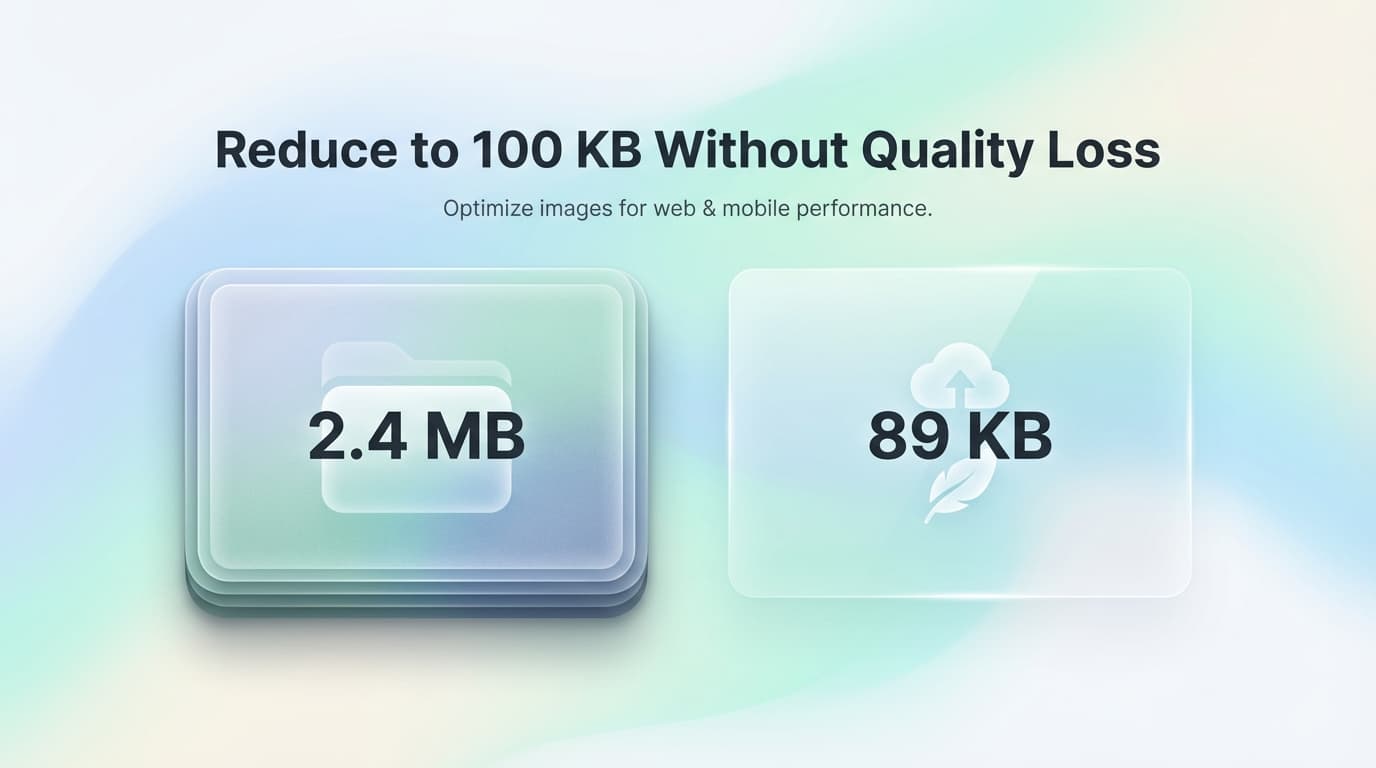
✨ Compress images to exactly 1MB with our free online tool
When to Use 1MB Images
- check_circleJob application and resume photo uploads
- check_circleLinkedIn profile and background images
- check_circleEmail photo attachments (single images)
- check_circleCMS and website admin upload limits
- check_circleCloud storage optimization for large libraries
- check_circleBackup and archive size reduction
Frequently Asked Questions: 1MB Compression
Why do most platforms have a 1MB image limit?expand_more
1MB became the standard limit because it balances quality with storage costs. At scale, storing millions of user images at 1MB each is manageable for platforms, while 1MB provides excellent quality for most use cases.
How much quality do I lose compressing to 1MB?expand_more
For most photos, none that's visible. A 10MB smartphone photo compressed to 1MB typically shows no perceptible quality loss. Only very detailed images (studio photography, medical imaging) might show minor differences at extreme zoom.
Can I compress RAW photos to 1MB?expand_more
Yes, but first convert your RAW file to JPEG or PNG. Our tool handles the compression step. RAW files (often 25-50MB) can be reduced to excellent 1MB JPEGs for sharing while you keep the original for editing.