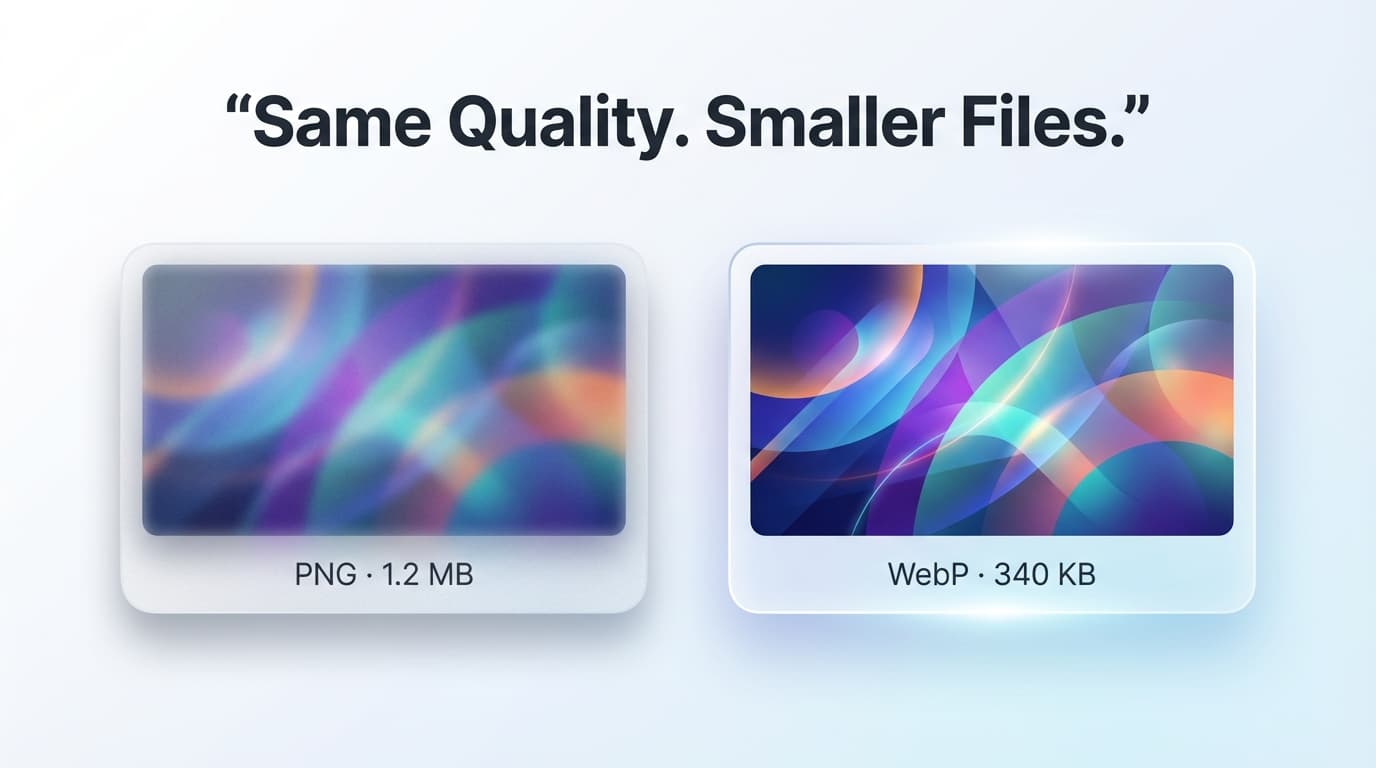
Convert PNG to WebP — 30% Smaller

Reduce PNG file sizes by 25-35% while preserving transparency. Speed up your website and improve Core Web Vitals scores.

check_circle Preserves transparencycheck_circle No server uploadscheck_circle Batch conversion
speed

Fast Conversion

Convert dozens of PNG images to WebP in seconds. Our local processing engine means no waiting for slow server uploads.

grid_view

Bulk Processing

Upload multiple PNG files at once and convert them all to WebP with a single click. Save time on large catalogs.

layers

Preserve Transparency

Unlike JPG, WebP supports full transparency. Your PNG alpha channels are perfectly preserved during conversion.

security

Private & Offline

Your files never leave your computer. All processing happens internally in your browser for 100% data security.

How to Convert PNG to WebP Online

1

Upload PNG Files

Drag and drop your PNG images into the tool or browse files to select them from your device.

2

Lightning Conversion

The tool instantly processes your images and prepares the WebP versions for download.

3

Download Individually

Click the download icon next to any converted file to save it immediately to your storage.

4

Download All (ZIP)

Use the "Download All" button to pack all converted WebP images into a single convenient ZIP file.

Why use WebP instead of PNG?

WebP is a modern image format that provides superior lossless and lossy compression for images on the web. Using WebP, webmasters and web developers can create smaller, richer images that make the web faster. Converting PNGs to WebP typically reduces file size by over 25% while maintaining the exact same visual quality and transparency.

Features of our WebP Converter

  • check_circleComplete Alpha Channel / Transparency Support
  • check_circleBulk Image Upload & Conversion
  • check_circleZero Data Upload for Maximum Privacy
  • check_circleHigh Quality Compression Algorithms

Frequently Asked Questions

What is WebP format?expand_more

WebP is a modern image format developed by Google that provides superior compression. WebP images are 25-35% smaller than PNG while maintaining the same visual quality.

Is transparency preserved?expand_more

Yes! Unlike JPEG, WebP fully supports alpha channel transparency. Your transparent PNGs will remain transparent after conversion.

Which browsers support WebP?expand_more

All modern browsers support WebP: Chrome, Firefox, Safari, Edge, and Opera. Only very old browsers (IE) don't support it.

Are my images uploaded to a server?expand_more

No! All conversion happens locally in your browser. Your images never leave your device, ensuring complete privacy.

Can I convert multiple images at once?expand_more

Yes! Upload as many PNGs as you like and download them individually or as a single ZIP file.

PNG to WebP: Lossless Compression and Transparency for the Modern Web

WebP is a modern image format developed by Google that supports both lossy and lossless compression, alpha transparency, and animation — essentially combining the best features of JPEG, PNG, and GIF into a single format. For PNG replacement specifically, WebP's lossless mode produces files 26% smaller on average than equivalent PNG files, according to Google's own benchmarks. With lossy WebP, the reduction can reach 60–80% while maintaining visual quality that is nearly indistinguishable from the PNG original.

A critical advantage of WebP over JPEG for PNG sources is that WebP supports alpha transparency. When you have a PNG with a transparent background (like a logo, icon, or product photo with background removed), converting to JPEG would destroy the transparency — filling it with solid white. WebP preserves full alpha transparency while still applying much more efficient compression than PNG. This makes WebP the ideal format for transparent web images.

Browser support for WebP is now effectively universal. Chrome has supported WebP since 2014, Firefox since 2019, Safari since macOS Big Sur and iOS 14 (both 2020), and Edge since its Chromium-based relaunch. As of 2026, WebP support exceeds 97% of global browser usage. The only gap is very old Safari versions on devices running iOS 13 or earlier — a shrinking minority.

For web developers, the performance impact of switching from PNG to WebP is substantial. The HTTP Archive reports that images account for 42% of total page weight on the median web page. If half those images are PNGs (common for logos, icons, UI elements, and transparency-containing images), converting them to WebP can reduce total page weight by 10–20%. This directly improves Largest Contentful Paint (LCP), a Google Core Web Vital and SEO ranking factor.

How to Convert PNG Images to Optimized WebP

1

Upload your PNG file

Select or drag any PNG image. The tool displays the current file size and highlights whether the image contains alpha transparency.

2

Choose compression mode

Select "Lossless" for pixel-perfect conversion with no quality loss, or "Lossy" for maximum file size reduction. Lossless is recommended for graphics and logos; lossy for photographs.

3

Adjust quality for lossy mode

If using lossy compression, set the quality level (0–100). Quality 80 provides the best balance for most images. Preview the output to verify visual quality meets your standards.

4

Download the WebP file

Download the converted WebP image. For websites, replace your PNG references with the WebP version. Use the <picture> element with PNG fallback for maximum compatibility.

Key Features

Lossless Mode

Bit-perfect conversion that preserves every pixel value exactly. Produces files 20–30% smaller than the source PNG with zero quality compromise.

Transparency Preserved

Full 8-bit alpha channel transparency is maintained in the WebP output. Transparent PNGs stay transparent — no white background replacement.

Core Web Vitals Impact

Smaller images directly improve LCP (Largest Contentful Paint) scores. WebP conversion is one of the easiest wins for web performance optimization.

Batch Conversion

Convert multiple PNG files to WebP simultaneously. Perfect for migrating an entire website's image library from PNG to WebP format.

Frequently Asked Questions

When should I use lossless vs. lossy WebP?

Lossless for images where every pixel matters: logos, screenshots with text, diagrams, pixel art, or when you need bit-perfect archival. Lossy for photographs, complex illustrations, and web images where minor, imperceptible quality reduction is acceptable in exchange for significantly smaller files (40–70% vs. 20–30% reduction).

Will my transparent PNG stay transparent after conversion?

Yes. WebP fully supports alpha transparency in both lossy and lossless modes. Your transparent background, semi-transparent shadows, and gradient opacity are all preserved exactly as they are in the source PNG.

How do I use WebP images on my website with a PNG fallback?

Use the HTML <picture> element: <picture><source srcset="image.webp" type="image/webp"><img src="image.png" alt="description"></picture>. Browsers that support WebP will load the .webp file, and older browsers will fall back to the .png. This approach is supported by all modern HTML standards.

Is WebP better than AVIF?

AVIF typically achieves 20% better compression than WebP at equivalent quality, but browser support for AVIF is still catching up (no Safari support until 2023, and encoder performance is slower). WebP is the safer choice for production websites as of 2026. You can offer both via the <picture> element, listing AVIF first and WebP as the fallback.