
Trim Audio Online
Free MP3 cutter and editor. Create ringtones, cut songs, and edit audio files directly in your browser.
appsRelated Tools
Drag & Drop Audio to Cut
or click to browse your files
Precise waveform cutting • Make ringtones instantly
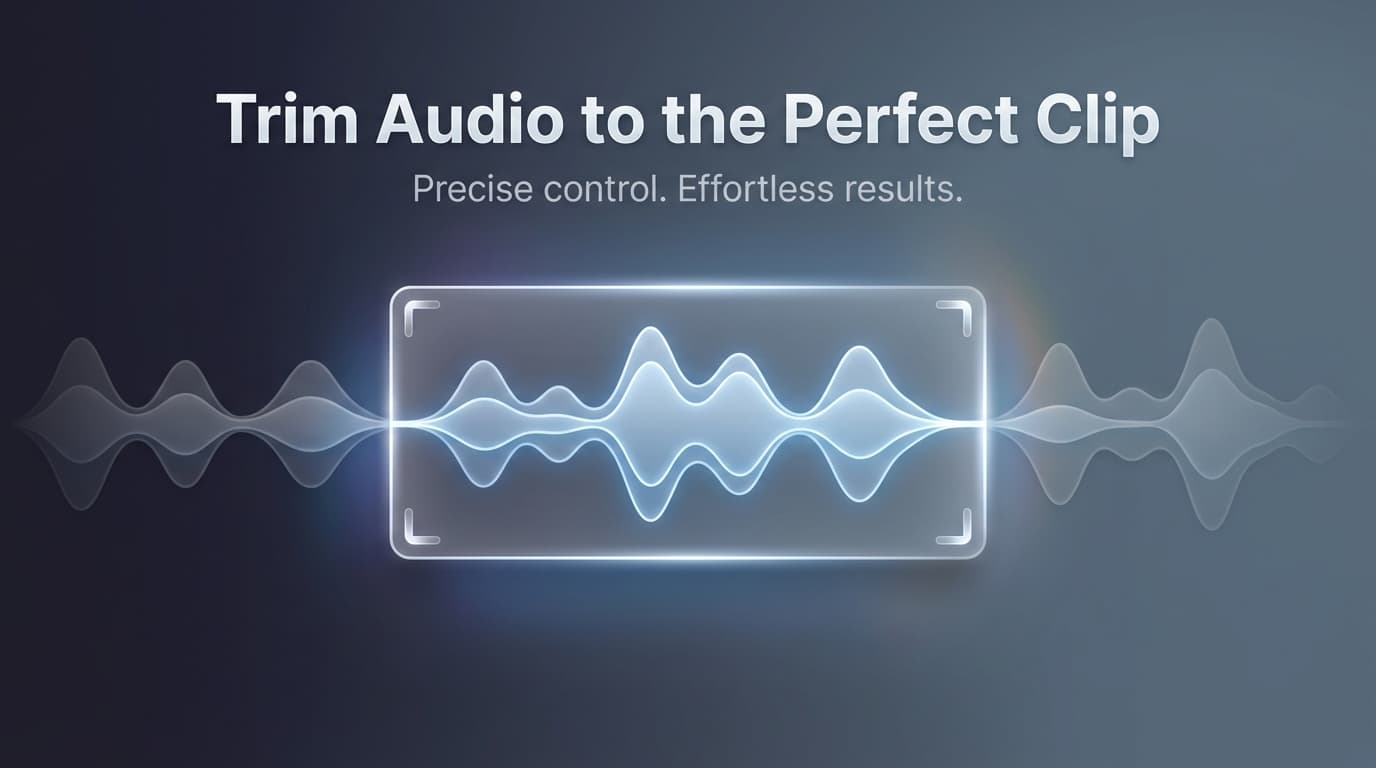
✨ Cut and trim audio files with precise waveform editing
appsRelated Tools
Visual Waveform Editor
See your audio visualized and drag handles to select the exact portion you want to keep.
Precise Cutting
Cut with millisecond precision using time inputs or by dragging handles on the waveform.
Live Preview
Preview your selection before cutting to ensure you've captured exactly the right portion.
100% Private
All processing happens locally in your browser. Your audio files never leave your device.
Wait! You might also need these...
How to Trim Audio Files Online
Upload Your Audio
Drag and drop or click to select your MP3, WAV, M4A, or other audio file.
Set Trim Points
Drag the green (start) and red (end) handles on the waveform to select your trim region.
Preview Your Selection
Click "Play Selection" to hear only the portion you've selected before trimming.
Trim & Download
Click the button to trim your audio and download the result instantly.
Create Ringtones & Audio Clips
Our online audio cutter makes it easy to extract the best parts of any song or recording. Whether you're creating a custom ringtone, cutting a podcast intro, or trimming a voice memo, our visual waveform editor gives you precise control over every cut.
Why Use PixalTools Audio Cutter?
- check_circleWorks entirely in your browser
- check_circleNo file size limits
- check_circleSupports all major audio formats
- check_circle100% free, no signup required
Frequently Asked Questions
What audio formats can I cut?expand_more
Our cutter supports all major formats: MP3, WAV, AAC, OGG, FLAC, M4A, and more. Simply upload any audio file.
How precise is the cutting?expand_more
You can trim audio with high precision using our waveform editor. Drag the handles to select exact start and end points.
Is my audio uploaded to a server?expand_more
No! All processing happens in your browser using WebAssembly. Your audio never leaves your device—100% private.
What format is the output?expand_more
The output is exported in the same format as your input file, maintaining the original quality.
Can I create ringtones?expand_more
Yes! Cut any audio to 30-40 seconds and download it for use as a ringtone on your phone.